



Halloween is around the corner, which is always a fun time at GC Network Solutions.
This year, I’ve probably taken it a little further than usual.
Over the past several weeks, I’ve been working on a series of Halloween videos for the GCNS YouTube channel. There are ghosts calling the help desk, vampires with technology problems, haunted printers, Frankenstein trying to build computers, and, of course, Nero somehow finding himself in the middle of all of it.
It’s supposed to be fun.
But recently, I had to deal with an IT horror story that wasn’t fictional.
A client was hit with ransomware.
And there were no monsters involved.
At least not the kind we’re going to be putting on YouTube.
The Call You Never Want to Get
I’ve been doing this long enough that very few IT problems genuinely surprise me anymore.
Computers fail. Hard drives die. Internet connections go down. People click things they shouldn’t. Software breaks five minutes before an important meeting.
It’s part of the job.
Ransomware is different.
When you realize that you’re dealing with an actual ransomware attack, there’s a moment when everything else becomes secondary.
You need to understand what’s happening.
Contain it.
Determine what’s been affected.
Figure out how the attacker got in.
Make sure they can’t get back in.
And then you have to answer the question everyone is waiting to hear:
Can we recover?
Fortunately, in this case, the answer was yes.
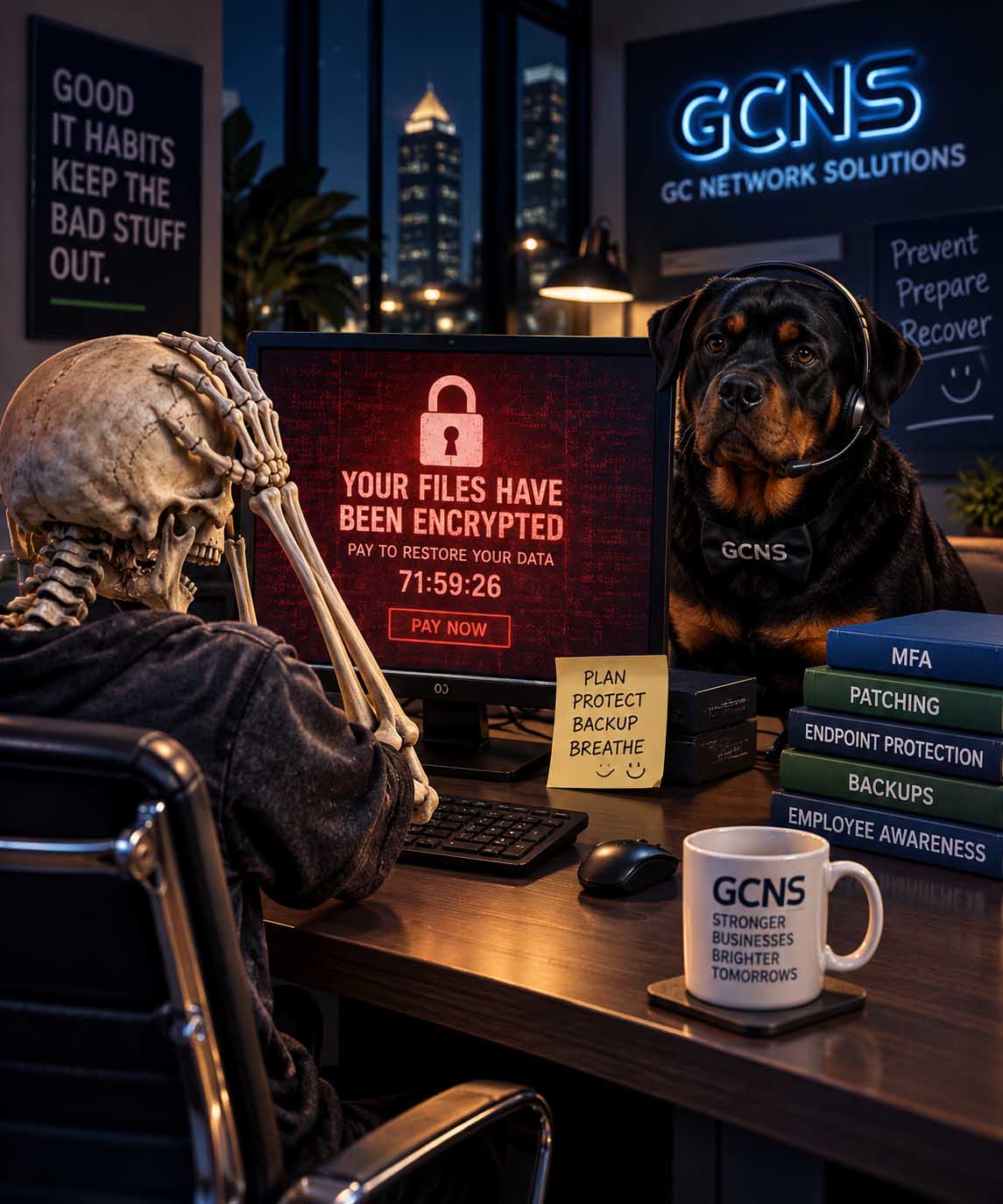
Immutable Backups Made Ransomware Recovery Possible
The Backups Did Exactly What They Were Supposed to Do.
I’ve always been a big believer in backups.
Not just having a backup, but having a backup strategy that assumes something really bad is eventually going to happen.
There’s an important difference.
Ransomware operators understand backups too. If an attacker gains enough access to an environment, destroying or encrypting the backups can be part of the attack.
That’s why I’ve become such a strong believer in immutable backups.
In simple terms, an immutable backup is designed so that the protected backup data can’t simply be changed or deleted during its protected retention period.
So even if ransomware tears through the production environment, there’s still a clean copy of the data waiting somewhere the ransomware can’t rewrite.
That’s exactly what we needed.
The client’s backups were intact.
We were able to restore the server, get the environment operational again and get people back to work.
The recovery went remarkably smoothly considering what had happened.
That’s the good part of the story.
Unfortunately, there’s another part.
The Ransomware Attack Didn’t Have to Happen
There had been recommendations.
Things that could have been changed.
Security improvements that could have been implemented.
Risks that had already been identified.
Not everything had been addressed.
That’s not particularly unusual.
Every business has a budget. Every business has competing priorities. There’s always another project, another expense or something that seems more urgent at the moment.
Cybersecurity can be particularly difficult because you’re often spending money to prevent something that hasn’t happened.
If everything works, nothing happens.
And sometimes that’s a difficult return on investment to see.
Then one morning, something happens.
Suddenly the recommendation that didn’t seem urgent becomes the most important thing in the building.
That’s one of the frustrating realities of working in IT.
Sometimes you can see the storm forming long before it starts raining.
How Small Businesses Can Reduce the Risk of Ransomware
Ransomware prevention doesn’t usually come down to one product or one security setting. It’s about creating layers so that one mistake doesn’t become a company-wide disaster.
For most small businesses, that means keeping systems patched, protecting endpoints with modern EDR, requiring multi-factor authentication, securing remote access, removing unused accounts and limiting users to the access they actually need.
Employees matter too. Phishing emails, stolen credentials and malicious links continue to give attackers opportunities, so cybersecurity awareness needs to be part of the strategy.
And then there are backups.
A good ransomware strategy assumes prevention could eventually fail. Backups should be monitored, tested and protected from the same attack that could compromise the production environment. That’s where immutable backups can make an enormous difference.
You don’t need one perfect security product.
You need layers—and you need a recovery plan.
Prevent What You Can. Prepare for What You Can’t.
I’ve always preferred preventive IT over reactive IT.
I’d much rather spend an hour preventing a problem than ten hours recovering from it.
But preventive IT doesn’t mean believing you can stop every possible incident.
You can’t.
There is no firewall, antivirus product, EDR platform, backup system or cybersecurity company that can promise a business will never experience a security incident.
The goal is to reduce the opportunities.
MFA can make stolen passwords considerably less useful.
Good endpoint protection can stop malicious activity before it spreads.
Patching closes vulnerabilities.
Proper firewall configuration reduces exposure.
Strong passwords make credential attacks harder.
Removing unused accounts eliminates unnecessary entry points.
Training helps people recognize suspicious messages.
None of those things individually makes you invincible.
Together, they make you a much harder target.
And then you prepare for the possibility that something still gets through.
That’s where backups, disaster recovery and incident-response planning come in.
I’ve come to think of good IT strategy pretty simply:
Prevent what you reasonably can. Prepare for what you can’t.
We saw both sides of that philosophy during this incident.
Some things could have been prevented.
But because other precautions had been taken—most importantly, having good immutable backups—the story didn’t end nearly as badly as it could have.
Why You Should Listen to Your IT Provider
There’s another lesson from this experience that I think is worth talking about.
If you have a good relationship with your IT provider, listen to their recommendations.
That doesn’t mean blindly approving every piece of technology someone tries to sell you.
A good IT provider should be able to explain why they’re recommending something, what risk it addresses and how important it actually is.
Not everything is an emergency.
In fact, if your IT company tells you everything is an emergency, eventually you’re going to stop listening.
But your IT provider sees things that most business owners and employees don’t see.
We see the failed login attempts hitting the firewall.
We see the computer that isn’t getting patched.
We see the account that doesn’t have MFA enabled.
We see the backup job behaving differently than it did last week.
We see the firewall that’s getting old.
We see the server that’s approaching the end of its useful life.
We see the little things that don’t necessarily cause a problem today.
A big part of our job is keeping those little things from becoming tomorrow’s emergency.
That’s why the relationship between a business and its IT provider matters.
There has to be trust in both directions.
Seventeen Years of Preventive IT
Next month marks 17 years of GC Network Solutions.
That’s a little hard for me to believe.
When I started GCNS in 2009, the technology landscape looked very different.
The threats were different.
The cloud wasn’t what it is today.
Remote work wasn’t what it is today.
Cybersecurity certainly wasn’t the conversation it is today.
I’ve watched the technology change dramatically over those 17 years.
But some of the best IT advice hasn’t changed much at all.
Pay attention.
Maintain your systems.
Fix small problems before they become big problems.
Don’t ignore warning signs.
Protect your data.
And always have a plan for what happens when something eventually goes wrong.
Technology changes.
Those fundamentals don’t.
Now, About Those Monsters…
October is going to be a little different around GCNS.
I’ve been putting a lot of time into the Halloween videos we’re about to start releasing on the GC Network Solutions YouTube channel.
Nero is working the Halloween help desk.
There are monsters having technical difficulties.
There are haunted devices.
There are some very questionable passwords.
And I’ve discovered that apparently I enjoy combining IT support with Halloween far more than any reasonable person probably should.
It’s been a fun creative project.
But after spending part of the last few weeks dealing with a real ransomware incident, the contrast isn’t lost on me.
The monsters in our videos aren’t real.
The risks facing businesses are.
And the genuinely scary IT problems usually aren’t the ones that come completely out of nowhere.
They’re the ones you saw coming.
The vulnerability nobody got around to fixing.
The old account nobody disabled.
The MFA project that kept getting postponed.
The backup nobody tested.
The firewall recommendation that could wait another year.
Until it couldn’t.
So enjoy the ghosts, monsters and haunted technology we’re about to unleash on the GCNS YouTube channel.
We’ll have some fun with IT for Halloween.
But when your IT provider tells you there’s something lurking in your network that needs attention…
Maybe don’t wait for it to become a horror story.